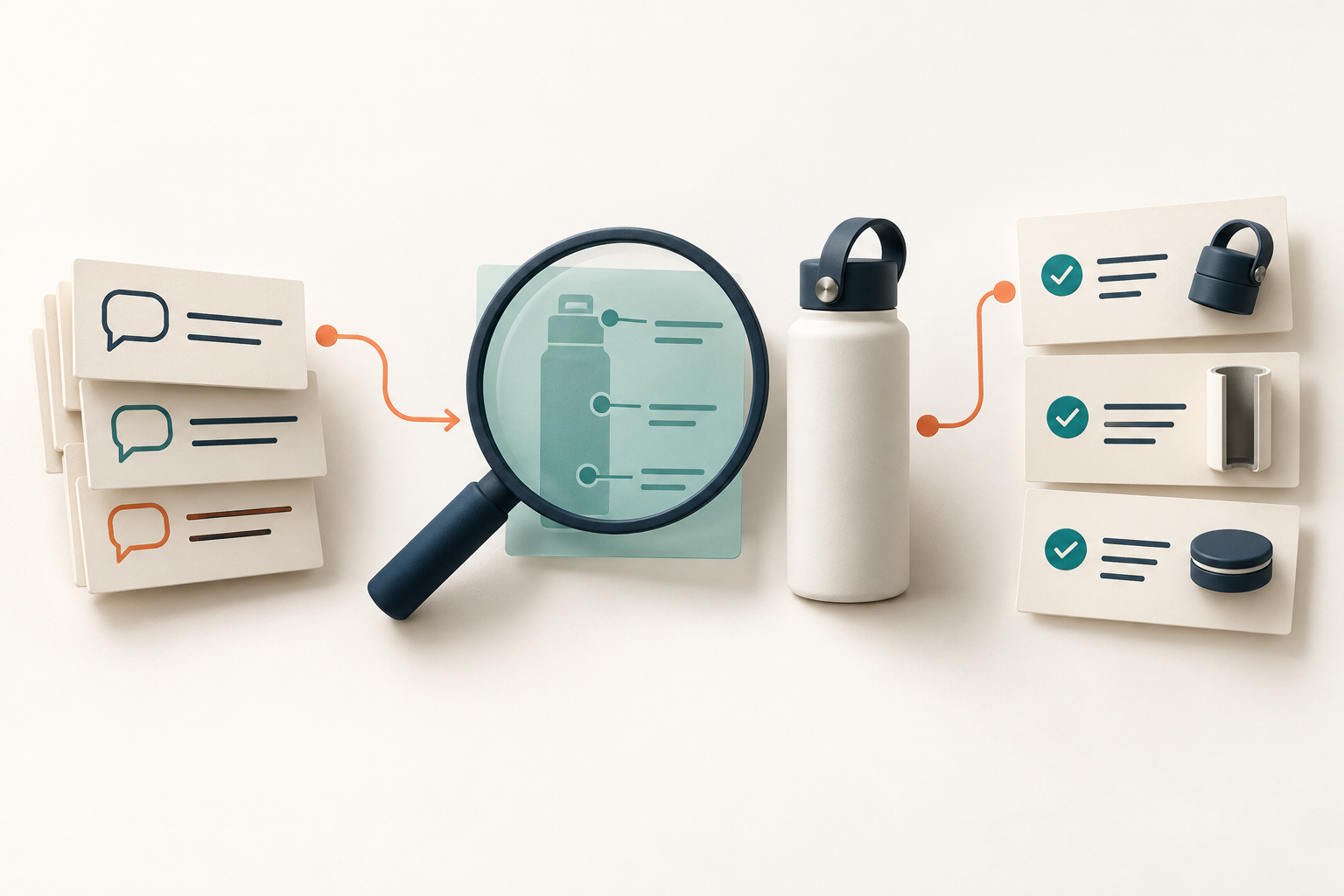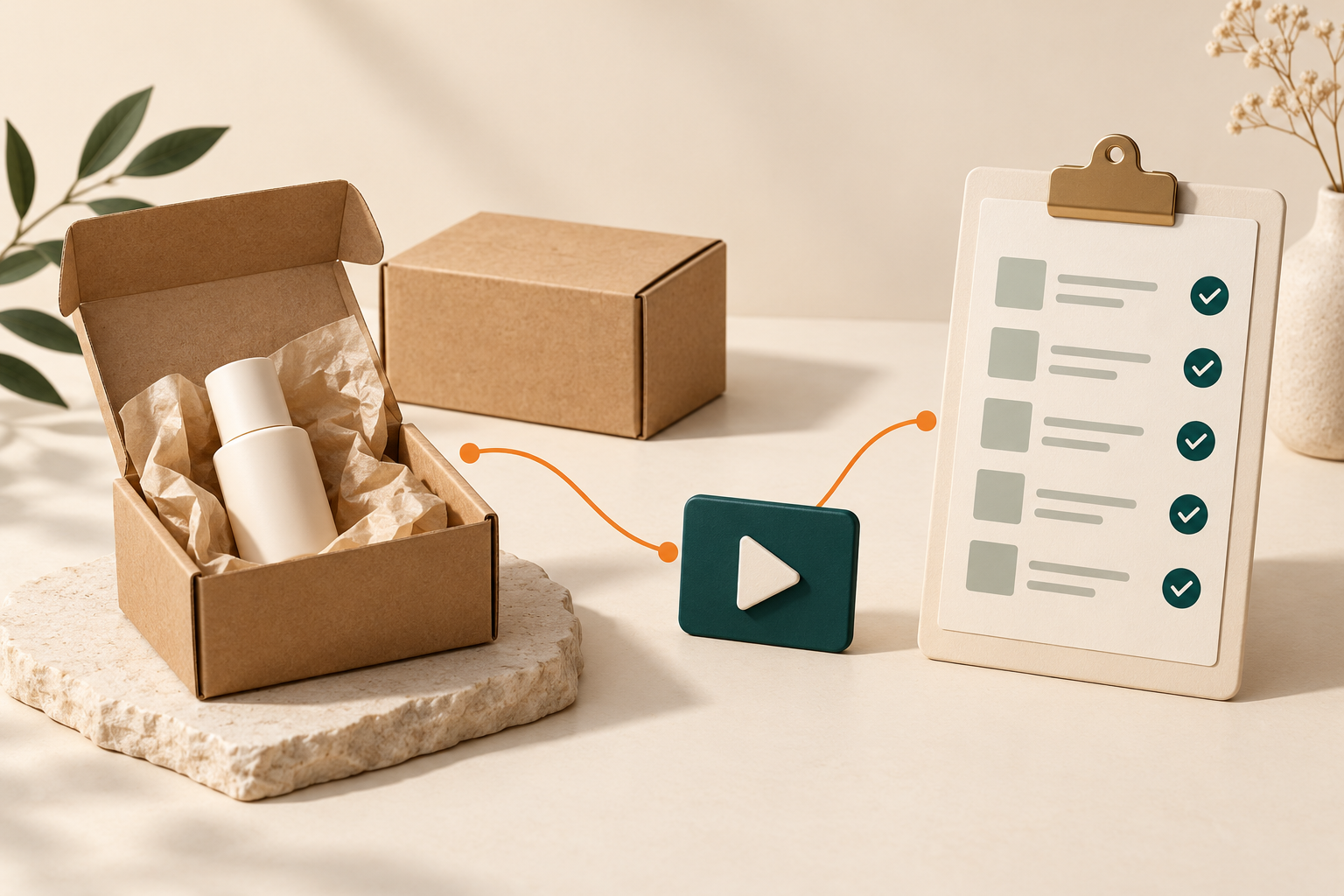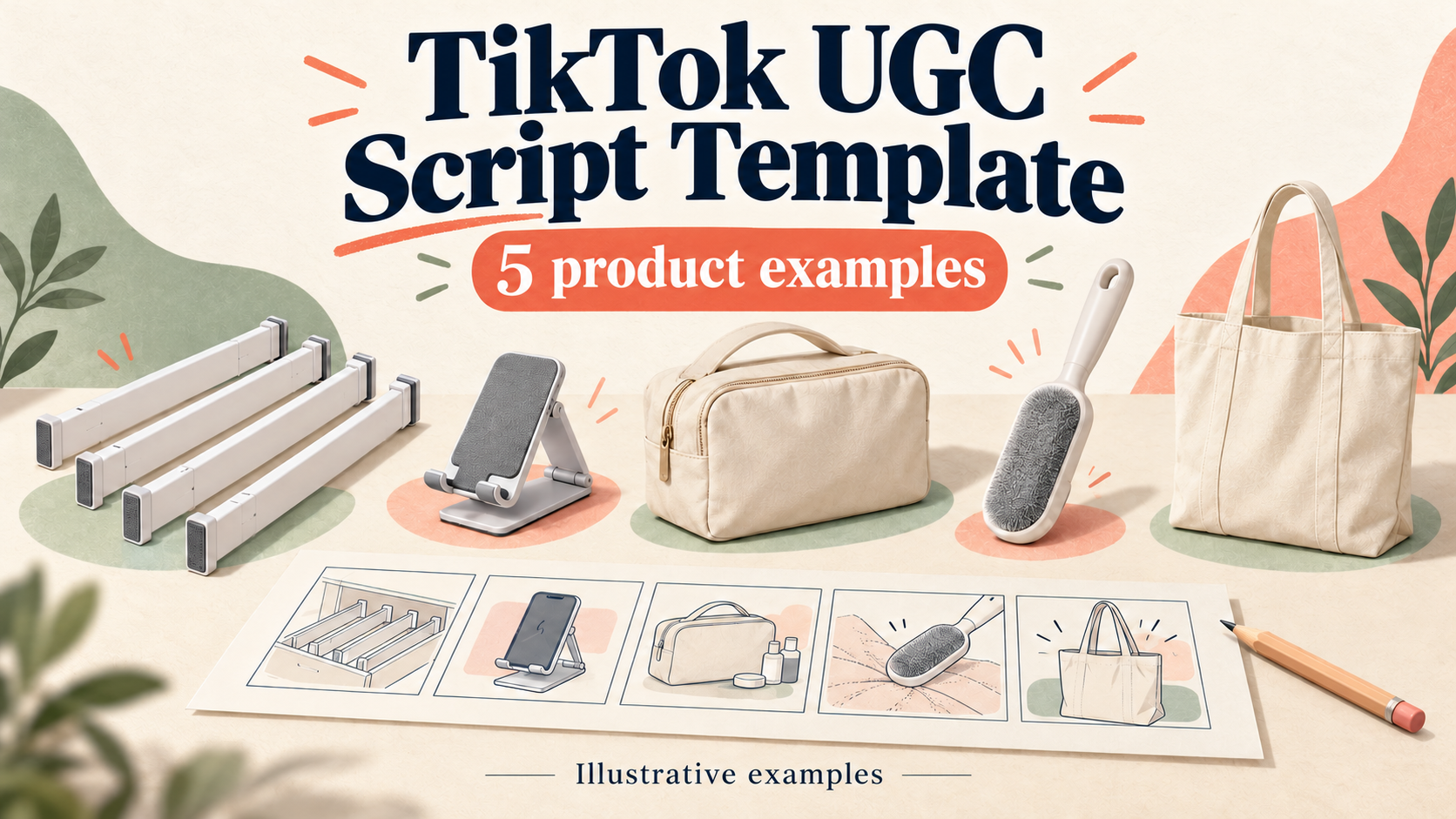
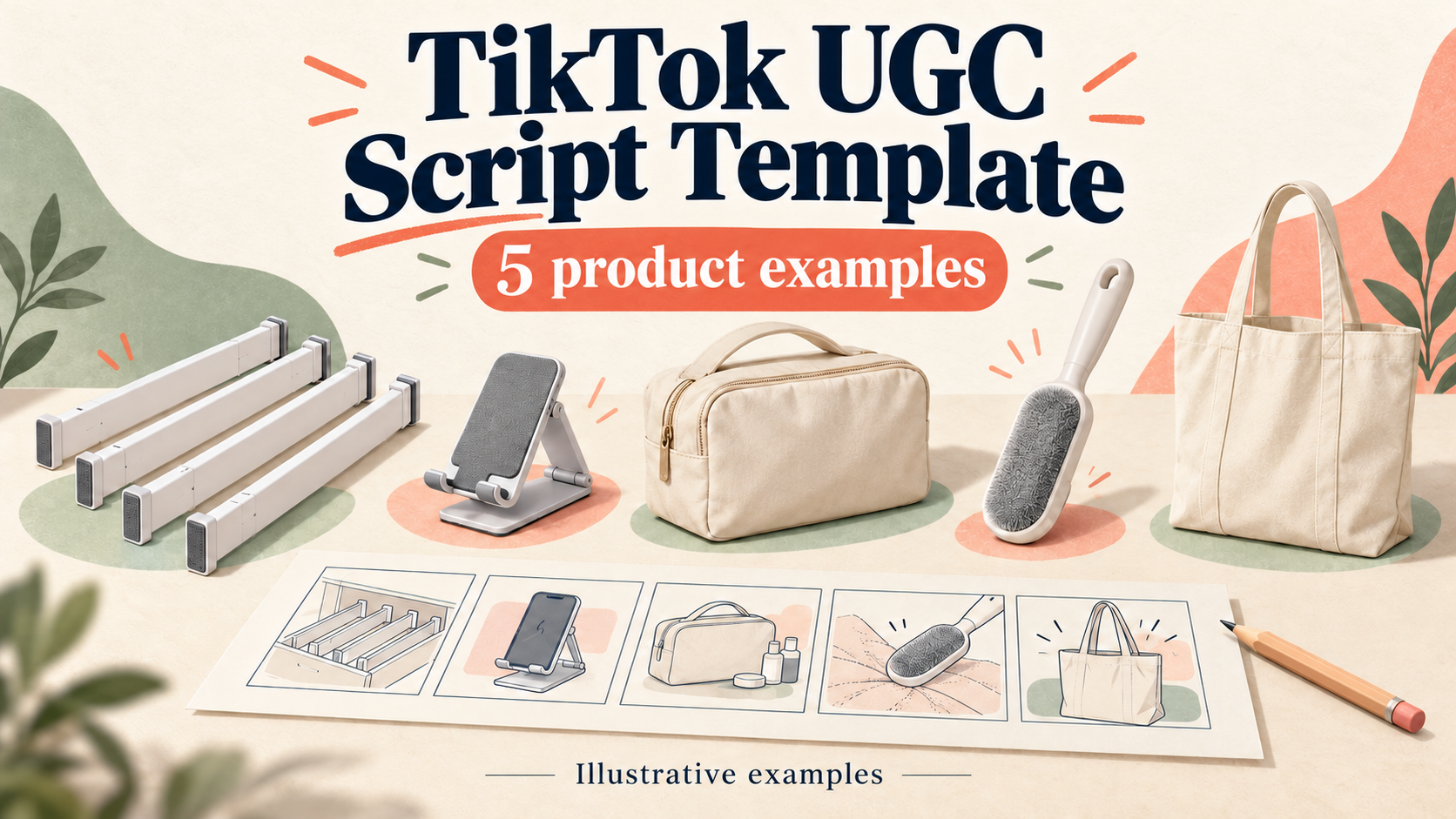
TikTok UGC script template with five illustrated product examples
A useful TikTok UGC script template tells a creator what to film, what to say, what viewers should read, and which product facts support the message. Start with one buyer question, write one row per shot, and finish with one relevant next step.
Below is a copyable template, five complete product scripts, and a Navos workflow tested with a fictional drawer-divider brief. Use them to prepare a filming plan, then check the actual product and read the lines aloud before recording.
About the examples: All five products and their specifications are fictional teaching material. The drawer-divider script comes from a controlled Navos text-planning test; the other four are editorial examples. None represents a filmed product test or measured advertising result. Illustrations are explanatory artwork, not product evidence.
Copy the TikTok UGC script template
Use these four columns for the creator-facing script. Add a short production note underneath so the person filming can see the source facts, props, disclosure and claims to avoid.
Time | Shot and action | Voiceover | On-screen text |
0–5 seconds | Show the product and the question this video answers | [Accurate disclosure, if applicable] + [specific opening] | [Disclosure] + [short context] |
5–10 seconds | Show the relevant part or package contents | [One supported fact] | [Name or quantity] |
10–15 seconds | Demonstrate one action | [Describe the action accurately] | [Useful detail] |
15–20 seconds | Show the detail needed to judge the product | [Supported explanation or check] | [Condition or limitation] |
20–25 seconds | Complete the demonstration | [Describe only what is supported] | [Short recap] |
25–30 seconds | Hold a clear final product shot | [One next step] | [Matching CTA] |
This 30-second, six-shot structure is a working example, not a TikTok rule. Reallocate time when an action needs more than five seconds. A zipper close-up and a careful fabric demonstration should not be forced into identical pacing.
For a fuller spreadsheet, copy this header into your working document:
script_id,product,angle,shot_id,start_sec,end_sec,shot_action,voiceover,on_screen_text,source_fact,proof_to_capture,claim_limit,disclosure,cta,owner,status
Use
source_fact for the supplied specification or evidence record. Use proof_to_capture for footage still needed. Keep those separate: a planned close-up is not proof that an action works. Assign an owner and mark the row as a draft until the relevant checks are complete.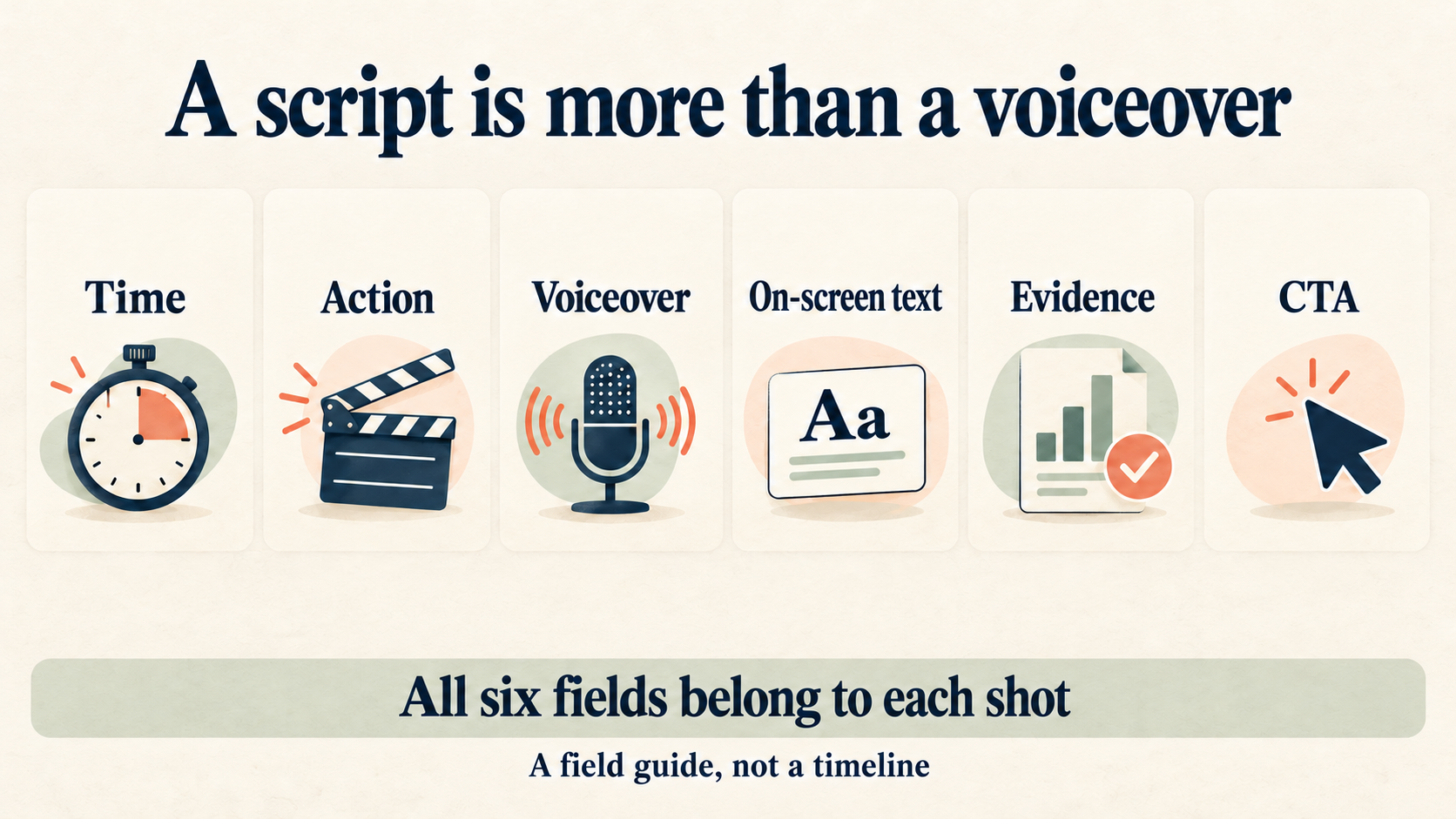
Turn product facts into filmable scenes
Choose a question narrow enough for one video: “What is included?” or “How does this fold?” gives you a clear filming task. “Why is this the best product?” usually pushes the script toward claims the brief cannot support.
If the product facts, audience or campaign objective are still unclear, complete the TikTok ad creative brief template first. The brief defines the assignment; the script turns it into actions a creator can record.
Here is how one drawer-divider fact becomes a scene:
Step | Example |
Supplied fact | The fictional divider extends manually and has a thumb-operated lock. |
Planned shot | Close-up of the hand extending the divider and engaging the lock. |
Spoken line | “Extend by hand, lock with the thumb switch.” |
Limit | Do not promise instant installation, universal fit or scratch-free contact. |
Describe the visible mechanism without adding an unsupported outcome. The next shot can show stationery separated into sections. It still cannot prove that the drawer's storage capacity doubled.
Leave time for hands, pauses and labels. For the controlled test in this article, we used 2.2 spoken English words per second as a planning estimate. A nine-word line takes about 4.1 seconds at that assumed rate. It may need longer with a brand name, unfamiliar term or physical action. Count the disclosure, spell out spoken numbers, and time the creator's actual delivery before locking the edit.
TikTok's creative guidance recommends vertical framing, keeping important content clear of interface overlays, and establishing the proposition early. Preview your specific placement rather than treating a generic safe-zone diagram as a universal pixel specification.
Five filled TikTok Shop script examples
Pick the example that matches the buyer's decision. If you still need an angle, the TikTok Shop video ideas guide offers more starting points. Here, each example goes all the way to a six-shot script.
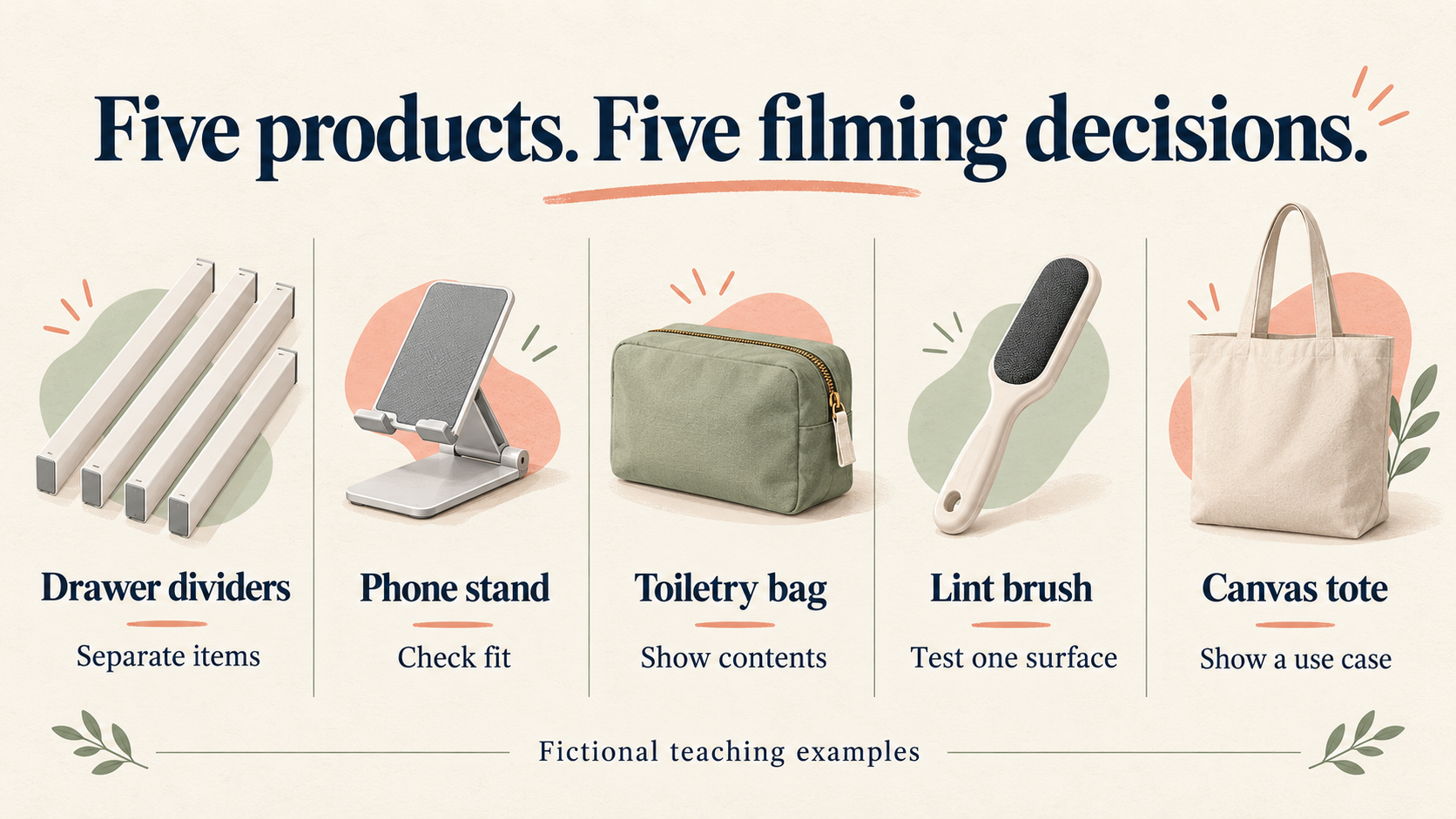
Disclosure assumption: Each script below assumes a fictional paid creator relationship. The opening combines a spoken disclosure with a visible “Paid ad” label. Replace the fictional brand and check the actual relationship before use. Do not add a paid-ad statement to an unrelated personal post merely because it appears in this template.
The on-screen-text column shows headline overlays, not complete accessibility captions. Add readable captions for the spoken audio and check that they do not obscure the product or disclosure.
1. Drawer dividers: show one organization task
Use this angle when the buyer needs to understand what the product does in a drawer. Keep the same drawer and stationery throughout. Moving items into sections shows organization; it does not demonstrate increased storage volume.
Fictional fact card: Four identical white dividers; manual extension and a thumb lock; four dividers plus one printed instruction sheet in the package. The drawer and stationery are props.
Time | Shot and action | Voiceover | On-screen text |
0–5 s | Overhead view of a cluttered desk drawer; creator hands enter frame | Ad for Demo Divider. Let's organize this messy drawer. | Paid ad |
5–10 s | Four white dividers laid out on desk surface; overhead angle | Four white dividers, all the exact same design. | 4 dividers, same design |
10–15 s | Hands extend one divider; close-up of thumb lock engagement | Extend by hand, lock with the thumb switch. | Manual extension · thumb lock |
15–20 s | Hands place dividers into drawer to form separate sections | Place them inside to create separate sections. | Create sections |
20–25 s | Stationery items sorted into the created sections | Pens here, clips there, notes in their own spot. | Sorted by type |
25–30 s | Final overhead of organized drawer; caption space for CTA | Check product details to see what's included. | Check product details |
Before filming: Measure the actual drawer and SKU first. Capture the extension and lock, then the full sorting action. Keep the same items in view. A before-and-after arrangement is not a capacity test.
Keep out of the script: Do not promise a universal fit, double the storage, scratch-free contact or a ten-second setup.
2. Folding phone stand: answer a fit question
The useful question is whether the buyer's phone and case will sit correctly. Start with that check. Avoid turning one selected phone into a claim about every model.
Fictional fact card: One folding stand with three support slots and a front ledge. One instruction sheet is included. It does not charge a phone; the phone is a prop.
Time | Shot and action | Voiceover | On-screen text |
0–5 s | Show the selected phone beside the folded stand. | Ad for Demo Stand. Check your phone and case. | Paid ad · Check fit |
5–10 s | Unfold the stand on a level desk. | Unfold the stand on a flat desk. | Unfold on a flat surface |
10–15 s | Close-up: choose one of the three rear slots. | Choose one of the three support slots. | 3 support slots |
15–20 s | After checking fit, place the selected phone against the ledge. | Check that your phone sits on the front ledge. | Check the phone and case |
20–25 s | Remove the phone and fold the stand flat. | Fold it flat again when you're done. | Folds flat |
25–30 s | Show the stand and instruction sheet; keep the phone separate. | Check product details before choosing your stand. | Check product details |
Before filming: Record the actual phone model, case thickness and selected slot. Check that the phone is supported before recording. If it does not fit, change the planned demonstration rather than hiding the problem.
Keep out of the script: Do not say fits every phone, supports tablets, never tips, or charges wirelessly. Do not invent an angle range or load limit.
3. Toiletry bag: show exactly what's included
An unboxing can answer a purchase question without a dramatic reveal. Show the empty bag first, then separate the contents of the package from the objects used to demonstrate it.
Fictional fact card: One bag with a zipped main compartment and one open inner pocket. Only the bag is supplied. Bottles and toiletries are props.
Time | Shot and action | Voiceover | On-screen text |
0–5 s | Place the empty bag on the table, separated from props. | Ad for Demo Pouch. Here's what comes inside. | Paid ad · Package contents |
5–10 s | Show the bag alone, then indicate the separate bottles. | One toiletry bag. These small bottles are props. | Bag only · Bottles not included |
10–15 s | Unzip the bag and show its empty main compartment. | Open the zipper to see the main compartment. | Zipped main compartment |
15–20 s | Move close enough to show the open inner pocket. | There's one open pocket on the inside. | 1 inner pocket |
20–25 s | Place selected empty props inside only after checking fit. | Arrange your items, then check the fit. | Props shown for illustration |
25–30 s | Show the bag beside the separate props. | Check the dimensions on the product page. | Check product dimensions |
Before filming: Use empty, unbranded props. Film the pocket and zipper clearly. If the chosen bottles prevent closure, show fewer items and do not imply the bag holds them all.
Keep out of the script: Do not claim waterproof, leakproof, TSA-approved, or a guaranteed number of bottles. External dimensions do not prove internal capacity.
4. Reusable lint brush: demonstrate one surface
Write this as a demonstration plan, not a result you have already observed. The camera should record what happens on one identified surface. If the brush produces no useful result, revise the idea after the test.
Fictional fact card: One manual brush and one instruction sheet; no disposable adhesive sheets. The cotton swatch is a proposed prop, and its suitability has not been tested.
Time | Shot and action | Voiceover | On-screen text |
0–5 s | Show the brush beside the identified cotton swatch. | Ad for Demo Brush. Start with one fabric swatch. | Paid ad · One surface |
5–10 s | Show the real product instructions and fabric care label. | Check the care label and brush instructions first. | Check care instructions |
10–15 s | After a suitability check, record one continuous brushing pass. | Brush in the direction shown on the handle. | Follow the marked direction |
15–20 s | Hold the camera position and show the actual surface. | Let's inspect this section before moving to another. | Inspect this section |
20–25 s | If lint has collected, remove it as instructed; do not fake it. | Remove collected lint as the instructions describe. | Clean as instructed |
25–30 s | End on the brush and instruction sheet. | Check product details before use. | Check product details |
Before filming: Check the actual instructions and fabric care label, then test an inconspicuous area. Capture a continuous pass with the same lighting and framing. Keep the result unedited; stop if the fabric changes or is unsuitable.
Keep out of the script: Do not say removes every hair, works on all fabrics, cannot damage fabric, or lasts forever. Do not substitute generated imagery for a demonstration result.
5. Canvas tote: build a simple use-case story
A routine can feel natural without inventing a personal testimonial. Show someone preparing a few selected items. The story is the packing action, not a claim that the bag has transformed their life.
Fictional fact card: One open cotton canvas tote with two handles, no zipper and no inside pocket. Only the bag is supplied; notebook, empty bottle and keys are props.
Time | Shot and action | Voiceover | On-screen text |
0–5 s | Show the empty tote beside the selected props. | Ad for Demo Tote. Pack a few everyday items. | Paid ad · Packing demo |
5–10 s | Open the bag and show the undivided interior. | Start with one open main compartment. | 1 open compartment |
10–15 s | Place a small notebook inside after confirming fit. | Place a notebook inside, then check the fit. | Notebook shown as a prop |
15–20 s | Add the empty bottle and keys, keeping the bag on the table. | Add an empty bottle and your keys. | Selected props only |
20–25 s | Show both handles and the open top without lifting a load. | Two handles, with an open top and no zipper. | Open top · No zipper |
25–30 s | End on the tote, with the props placed beside it. | Check product dimensions before choosing your tote. | Check product dimensions |
Before filming: Confirm the actual opening and dimensions. Use light props that fit, keep them visible and avoid a loaded carrying demonstration until the product's instructions and load suitability are checked.
Keep out of the script: Do not claim a weight capacity, waterproofing, certified sustainability, or months of use. A few selected props do not establish maximum capacity.
Generate three angles from one product brief
Writing one script is manageable. Producing distinct versions becomes harder when every draft repeats the same hook and promises. Give the tool different buyer questions and a common fact sheet, then compare the resulting shots.
For this article, we supplied Navos with a fictional drawer-divider brief, a 19-item fact-and-claim ledger, and production constraints. Real product photos, price, customer reviews and personal-use evidence were deliberately absent. We asked for neutral demonstrations that stayed within the supplied information.
After review and correction, the delivered package contained three scripts, a shot-list CSV, a claim-audit CSV and an HTML review. The final files were independently checked for table structure, timing and agreement between voiceover, overlays and fact references.
Script | Buyer question | Planned shots | English voiceover words |
Organization | How would I separate stationery? | 6 across 30 seconds | 48 |
Fit | Which dimensions should I check? | 6 across 30 seconds | 45 |
Package contents | What comes in the package? | 6 across 30 seconds | 46 |
This test demonstrates a text-planning workflow: three angles, 18 planned shots and a separate record of claim handling. It does not demonstrate a finished video, verified product performance, or a winning ad. The other four product examples above were written for this guide and were not included in the Navos test.
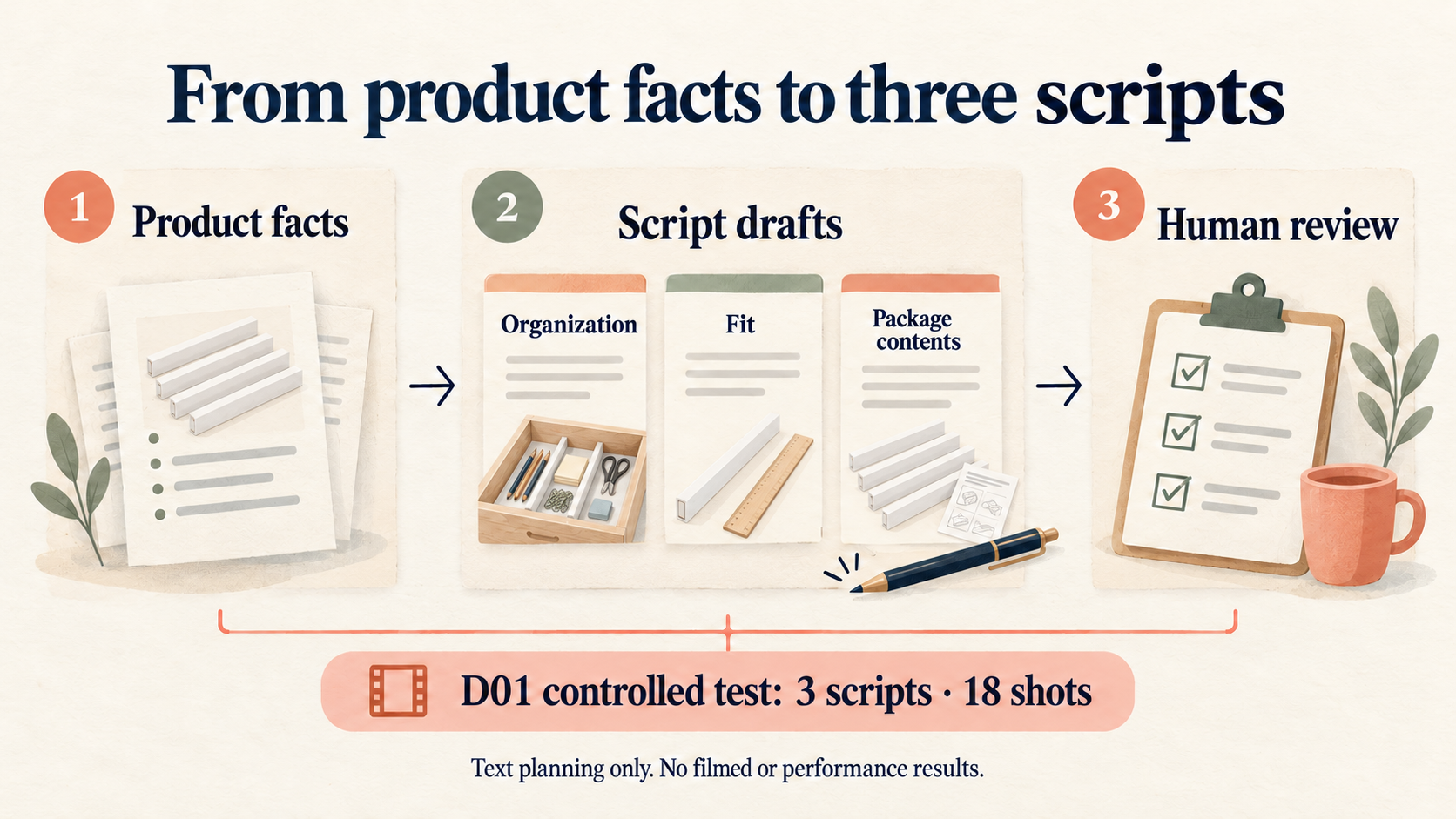
To try the workflow with your own product, prepare three small inputs:
- Product brief: Exact SKU, intended audience, dimensions, mechanism, package contents and a verified product destination.
- Claim list: What is supported, what is unknown, what must not be said, and whether the creator has actual experience.
- Production constraints: Language, target length, available footage, relationship disclosure and the action you want the viewer to take.
Then give Navos a request like this:
Using these product facts, draft three distinct 30-second TikTok Shop scripts: one demonstration, one fit or use-condition check, and one package-contents explanation. Include each shot's time, action, voiceover, on-screen text, supporting fact and footage still needed. Use neutral language where personal experience is absent. Do not invent price, reviews, results or offers. Mark gaps in production notes, not in the viewer-facing lines. Return editable scripts and a claim review, then check that all versions agree.
Check the first result before asking for more variations. If a sentence exceeds the evidence or a table has shifted fields, ask for a focused correction and recheck the revised files. Three distinct angles are creative options; they are not automatically a single-variable advertising experiment.
The link opens the Navos download page. Prepare your brief and claim list, then use them in your workspace; this article does not link to a preloaded script or a preselected Skill.
Check the script before you film
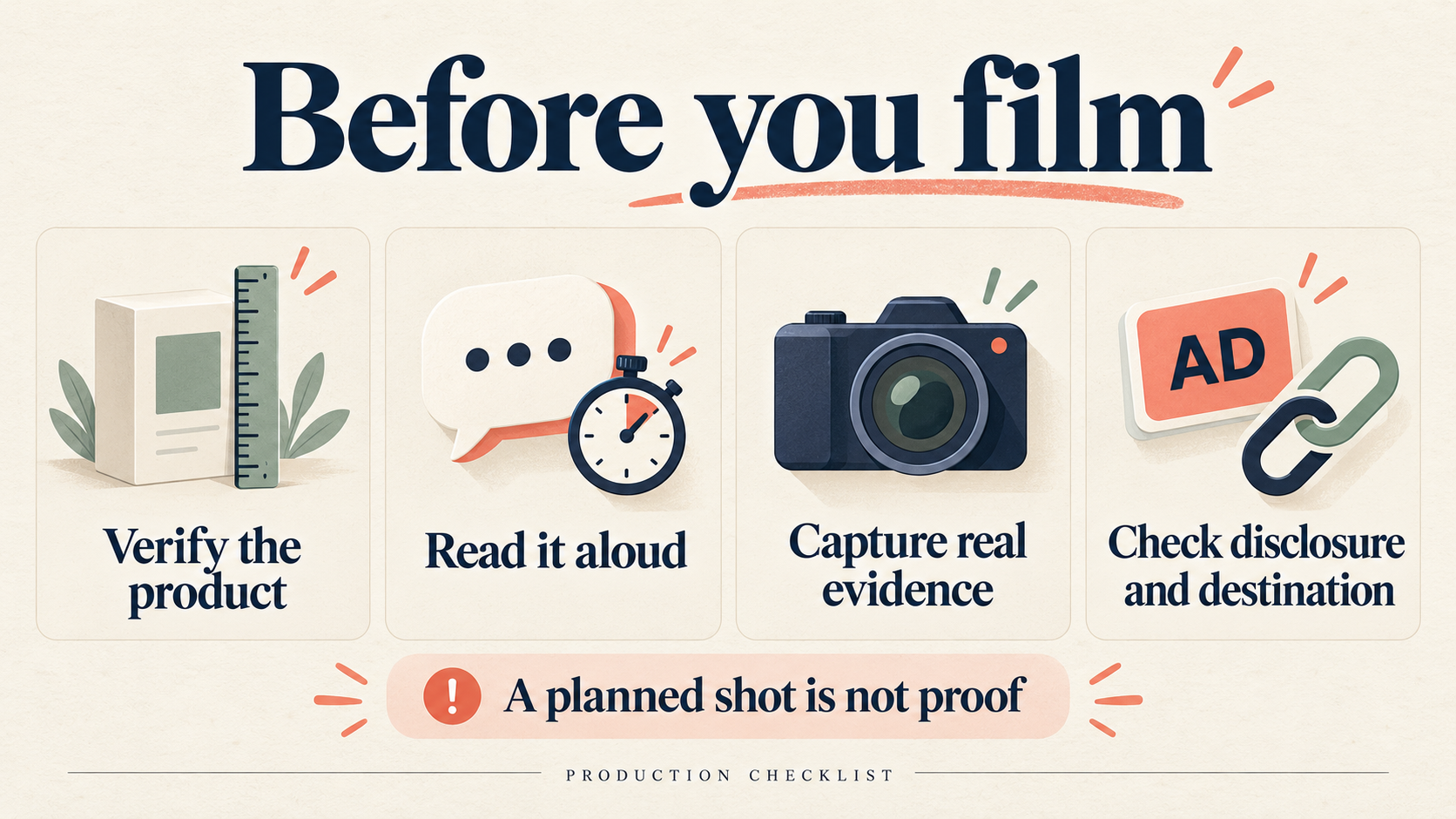
Read the script once as the buyer and once as the person behind the camera. The buyer needs a clear answer; the creator needs enough information to capture it honestly.
- Match the real SKU. Replace every fictional specification and check the package contents. A similar-looking product is not the same product.
- Read and rehearse each shot. Time the disclosure, speech and action together. Shorten the sentence or extend the shot if the hand movement cannot finish comfortably.
- Check every claim, including overlays. A cautious voiceover cannot repair an unsupported “works on all fabrics” headline.
- Separate product contents from props. Keep “not included” labels readable where props could be mistaken for accessories.
- Capture the missing evidence. Record actual fit, operation and results during filming. Do not use an illustration or generated product image as evidence of performance.
- Check disclosure and destination. Make the relationship clear in the content, use the relevant platform disclosure setting, and ensure the destination matches the SKU and any stated offer.
For US-facing endorsements, FTC guidance calls for clear disclosure of material relationships, including payment or gifts. A video disclosure should be in the video, and the platform label should not be treated as a substitute for your own clear disclosure. Match the wording and language to the actual relationship and audience.
TikTok's advertising policy also addresses exaggerated results and mismatches between the ad and its destination. If price, availability or an offer is unknown, leave the claim out rather than filling the gap with a generic promise.
Once you have usable footage, keep script version, footage version and creative ID together. The TikTok creative testing template covers the next task: comparing performance with a clear test question and consistent measurement.
Frequently asked questions
What belongs in a TikTok UGC script template?
Include the time range, visible action, exact voiceover, on-screen text and a single CTA. Keep supporting facts, footage needs, disclosure and claim limits alongside the script. A hook and a paragraph of copy alone leave the filming decisions unresolved.
How long should the script be?
Use the length needed to answer one useful question, subject to the requirements of your intended placement. The examples here use 30 seconds to make them easy to compare. Do not assume that 30 seconds or six shots is mandatory, or that a word-count estimate replaces a timed read-through.
Can a creator change the wording?
Yes. Let the creator make sentences sound natural while preserving product facts, disclosure and limits. Recheck meaning after changes: “this phone fits in the demonstration” is much narrower than “it fits every phone.” Keep the approved revision with the shot list.
Can I write UGC without customer reviews or personal experience?
You can write a product demonstration using supported facts. Do not invent a review or first-person experience. “Here is how the hinge opens” can be a neutral demonstration; “I have used this every day for months” requires that person's truthful experience.
Can AI generate the whole script?
AI can turn a supplied brief into an editable draft, as the controlled Navos example shows. Someone still needs to verify the real SKU, assess claims, rehearse delivery, capture footage and check the final edit. Generated scenes do not establish that a product works as depicted.
Should the hook always start with a problem?
No. A question about size, a clear view of package contents, or a specific action can also establish the topic. Choose the opening that leads naturally to the evidence you can show. Avoid fake customer comments, invented frustration or unsupported urgency.
Take one product, one buyer question and the blank template above. Fill in the facts before writing the hook, then use the shot list to decide exactly what needs to be filmed.