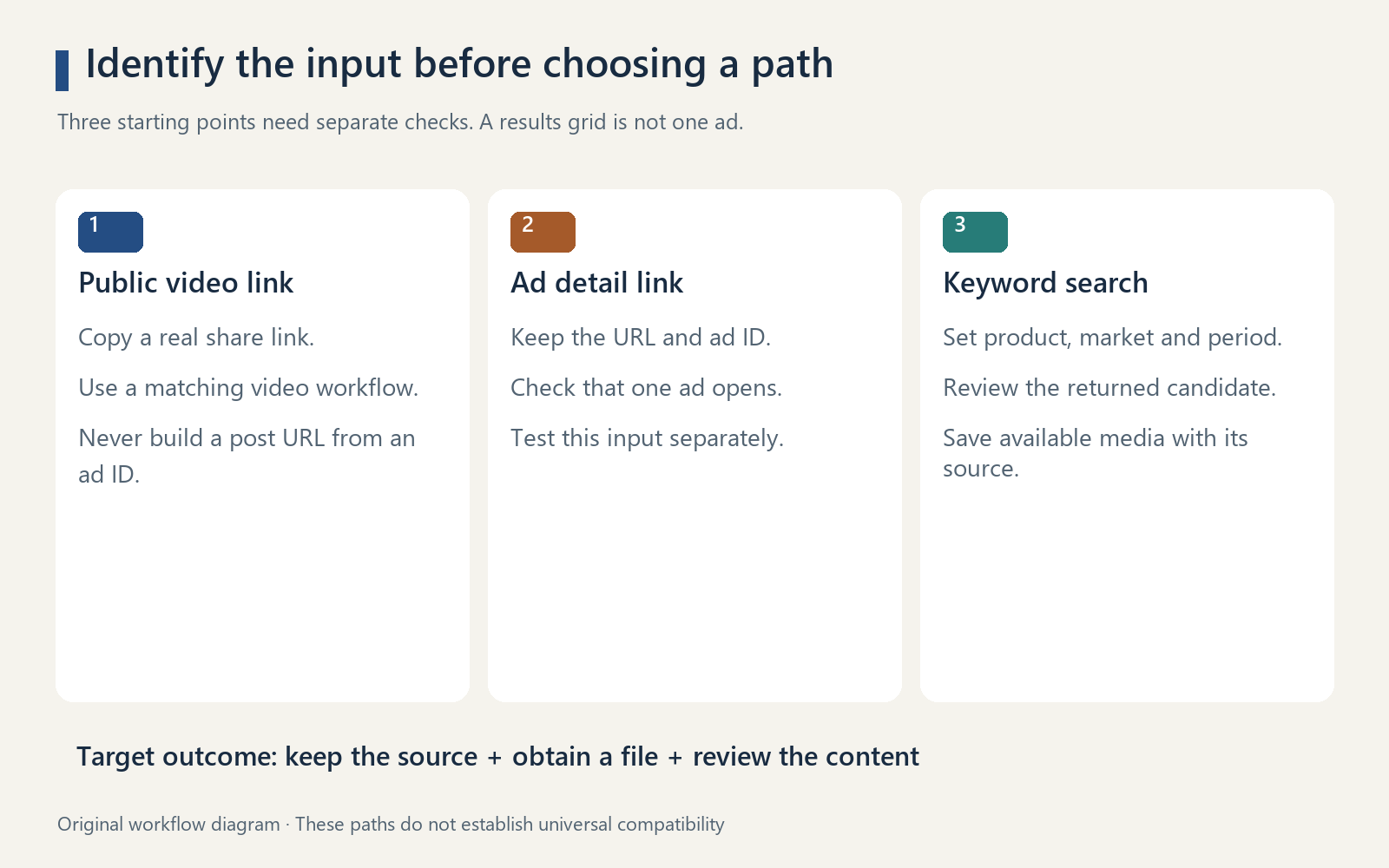
To download a TikTok ad, first identify what you have: a public TikTok video link, a Creative Center ad detail link, or a keyword for finding ads. These are different inputs, and a downloader that accepts one may fail on another. Save the source alongside the file, then check that the video actually matches the ad you intended to collect.
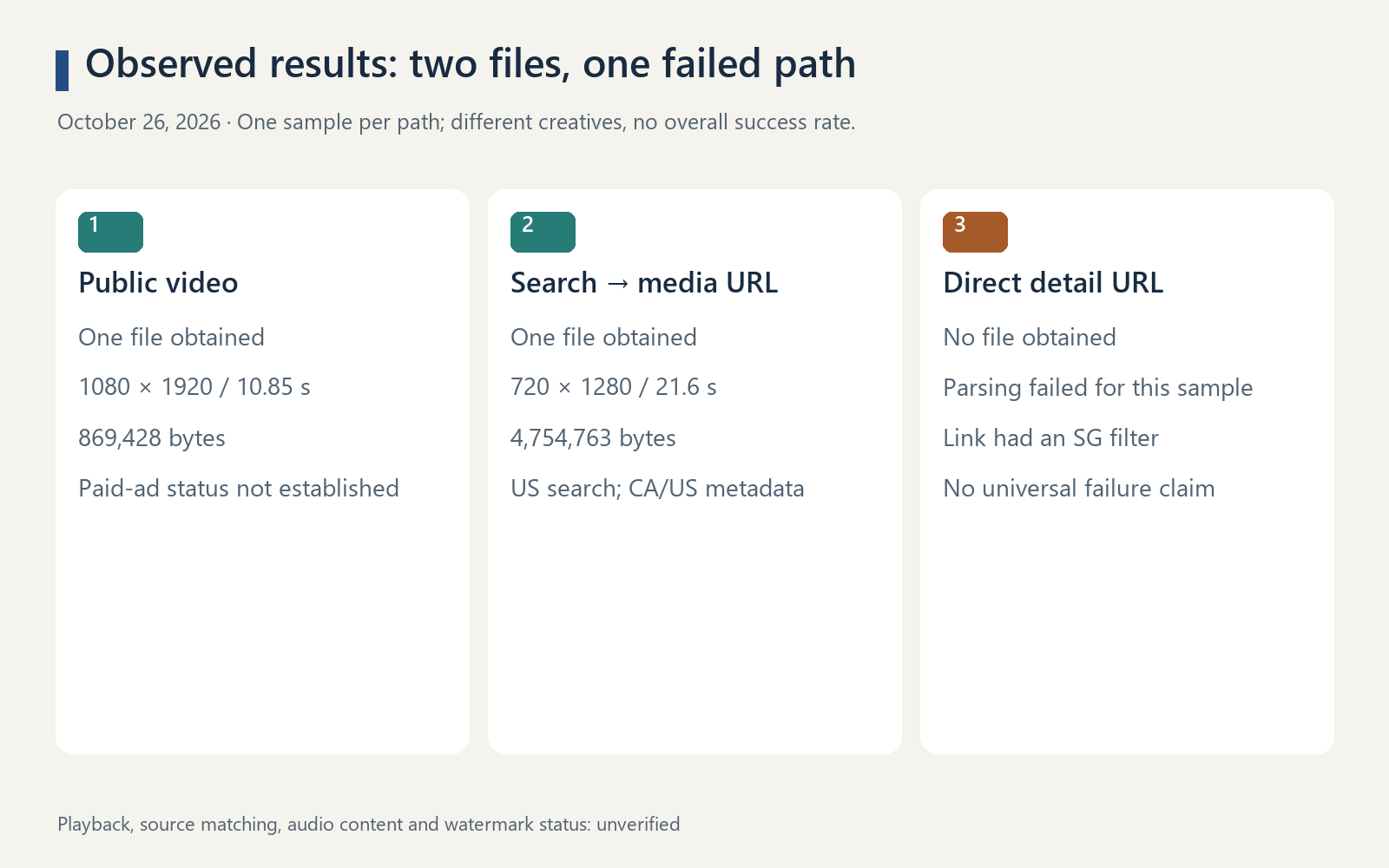
In our October 26, 2026 Navos test, a public video link produced one file, and a Creative Center keyword search produced another. Directly submitting a Creative Center detail URL failed for the tested sample. The two downloaded files passed metadata inspection; playback, source matching, audio content and watermark status were not verified.
This guide is for marketers building an ad reference library. It explains which path to try, what to do when See analytics sends you back to a list, and how to keep a downloaded clip useful for your next creative brief.
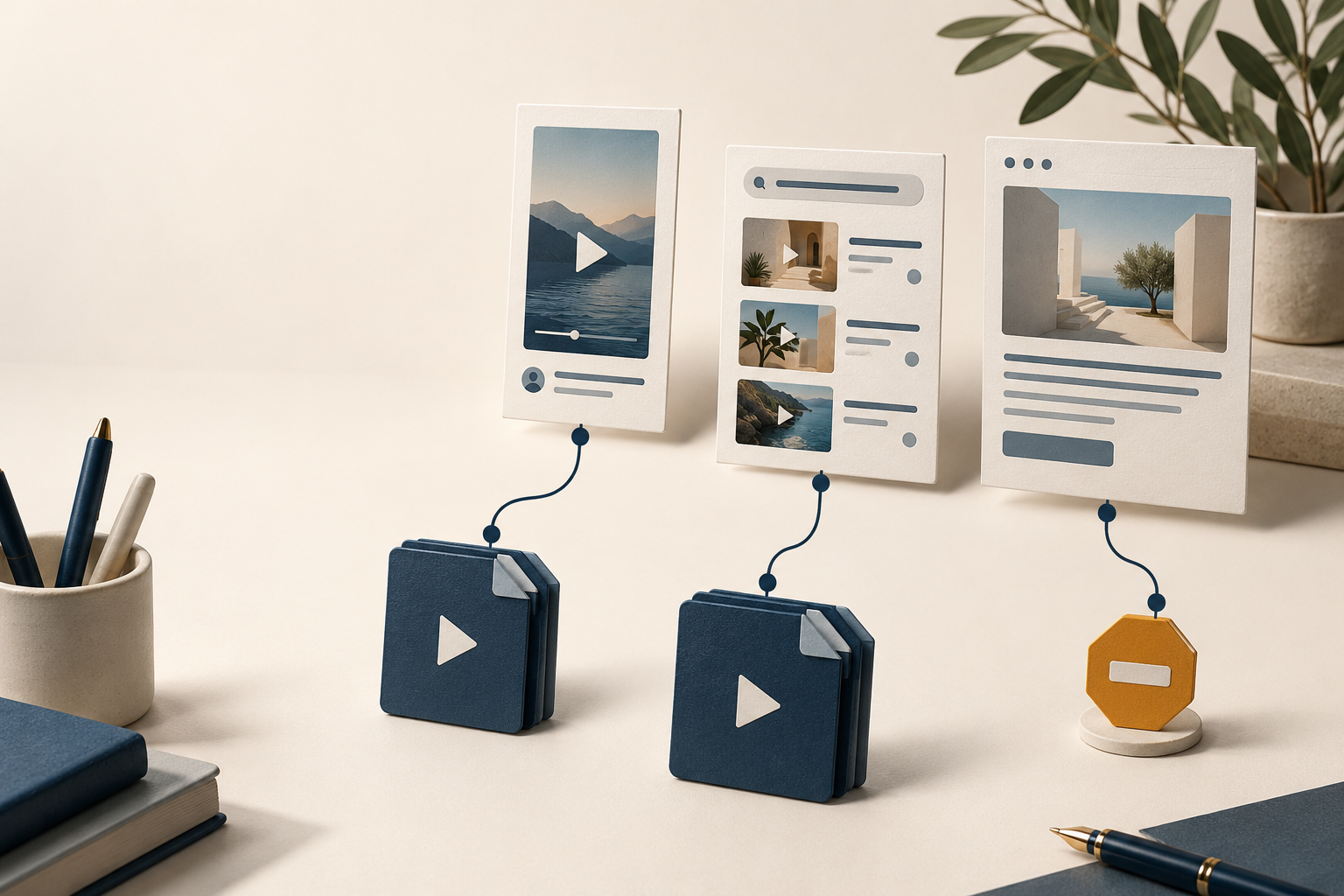
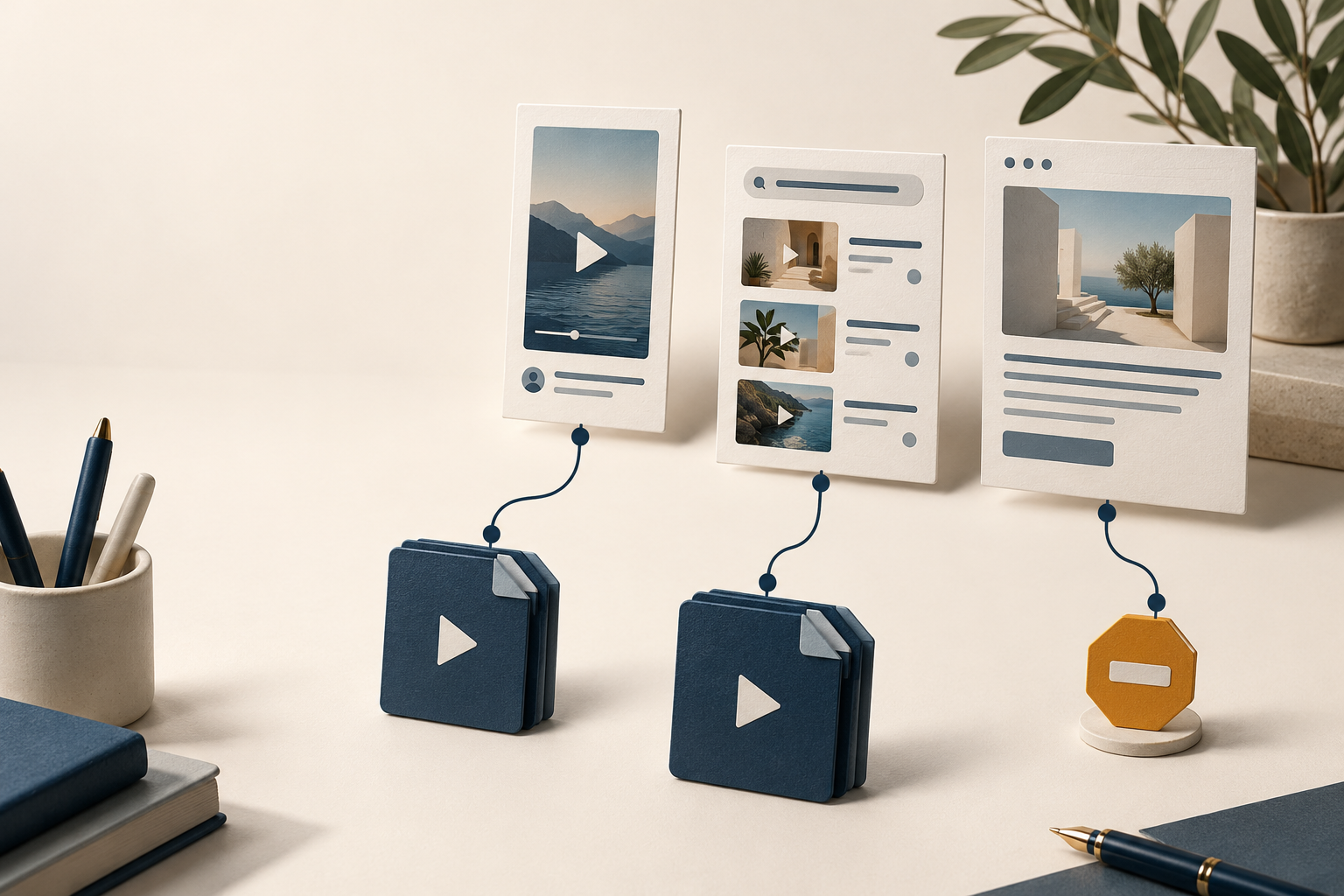
An editorial illustration of different download paths, not a product screenshot.
Which TikTok link do you have?
A playable page, an ad detail page and a video file URL are not interchangeable. Start with this check before pasting anything into a downloader.
Your starting point | How to recognize it | What to do next |
Public TikTok video | A copied share link; an expanded URL may contain @creator/video/… | Submit the real link to a compatible video workflow. Do not assume the post is a paid ad. |
Creative Center ad detail | A single-ad page; our sample contained /topads/{ad-id}/ | Keep the original URL and ad ID. Test this input separately from an ordinary TikTok link. |
Top Ads results page | A grid of ads, filters and search results | Open one ad or use a supported ad-search workflow. A results page does not identify a single video. |
Keyword, brand or product | A research request rather than a URL | Search for ads, inspect a returned result, and save its media file if available. |
Media URL returned by a tool | A file or media-delivery address associated with a result | Save the file and retain the original source record. The media URL alone is a weak reference. |
Do not manufacture a TikTok post URL by combining a brand handle with an ad ID. In our test history, that created an invalid input. Copy a real share link or retain the actual Creative Center link instead.
How to find the Creative Center ad detail link
TikTok's official How to use the Top Ads Dashboard guide describes the route as Creative Center → Inspiration → Top Ads → See analytics on an ad card. It also describes a Link option for copying the ad URL. Labels and access can vary with the interface you are shown.
- Open Top Ads and set the market and period relevant to your research.
- Choose a specific ad card and select See analytics.
- Confirm that the destination identifies one ad. Copy its URL and record the ad ID when visible.
- If the destination is a grid again, keep the original card link and the final page URL as separate records.
If your screen says Symphony Creative Studio and asks you to generate a video, return to Creative Center's ad inspiration area. TikTok lists Symphony among its creative tools; that creation screen is a different starting point from the Top Ads dashboard.
Opening another tab does not prove that the detail page loaded. Check the page content as well as the address bar before proceeding.
What our Navos download test actually returned
We tested three input paths on October 26, 2026. Each row below represents one sample, not a measured platform-wide success rate.
Input path | Observed result | File metadata | What this establishes |
Real public TikTok video link | One file obtained | 1080 × 1920; 10.85 seconds; HEVC video with HE-AAC audio; 869,428 bytes | The tested public video link could be resolved and saved. Its paid-ad status was not established. |
Creative Center keyword search → returned media URL → file | One file obtained | 720 × 1280; 21.6 seconds; H.264 video with AAC audio; 4,754,763 bytes | One search result supplied a media URL that could be saved. |
Creative Center ad detail URL submitted directly | No file obtained | Not applicable | Direct parsing failed for this specific URL in this environment. |
The search used “skincare,” United States, last 30 days and returned a canonyx WarmPress result with CA/US market metadata. The separately tested detail link referred to a different ad and carried a Singapore country filter. This was a comparison of input paths, not the same creative tested three ways.
For the successful paths, Navos tools returned media URLs and the files were saved with a local download step. The test was conducted through the Navos agent workflow; it does not verify the separate public web downloader's behavior.
Metadata inspection confirms dimensions, duration and detected tracks. It does not confirm that the whole clip plays correctly, that it matches the source page, or that it is watermark-free. Those checks remain necessary before treating either file as a reviewed reference.
Download through Navos: choose the matching workflow
If you have a real TikTok video link
Copy the actual share link and ask Navos to resolve it, save the file and report the result. In our sample, the video download tool returned a media URL, followed by a local file download and metadata check.
Use this request with a video you own or have permission to save:
Download the video at this real TikTok share link: [paste link]. Keep the original URL. Save the actual video file if the current tools support it, and report its filename, size, duration and dimensions. Do not replace a failed link with a different video. Mark playback, source matching, audio content and watermark checks as unverified unless you actually perform them.
For a broader introduction to ordinary post downloads, see our TikTok video downloader comparison. Here, the important distinction is whether the input is a post link or an ad-research page.
If you are searching for ad references
Give Navos a product or keyword, the market, and a time window. Ask it to show a candidate's source details before saving it. This follows the successful search-to-media path in our test, although another search may return different results or no downloadable media.
Find one TikTok Creative Center ad reference for [product or keyword], using the United States and the last 30 days. Show the returned brand, ad ID, available source link and market metadata. If a media URL is available, save the actual file and report its filename, size, duration and dimensions. Preserve the search conditions. If no file is obtained, report that result without inventing a post URL or substituting an unrelated creative.
An ad returned for a keyword still needs a relevance check. Compare the product, market and creative with your brief rather than assuming the search term guarantees a match. This is especially useful when broad product terms bring back adjacent categories.
Download Navos to try this research workflow with your own or permitted material. Available tools and source access determine which steps can run in your session.
If you need one exact Creative Center ad
Keep the detail URL as the input. Ask for that ad and require an explicit result: file obtained, parsing failed, or page inaccessible. Do not silently switch to a keyword search and count a different creative as a successful download of the original.
Our direct detail-link test failed. We did not verify the separate route of opening a logged-in detail page, extracting its media URL and downloading that same ad. If that exact-ad route matters to your project, treat it as an additional test.
Why does See analytics return to the same page?
In our sample, the detail URL ended at the Top Ads results page. A Log in control was visible, and the downloader separately returned a URL parsing error. We did not establish the cause of the redirect.
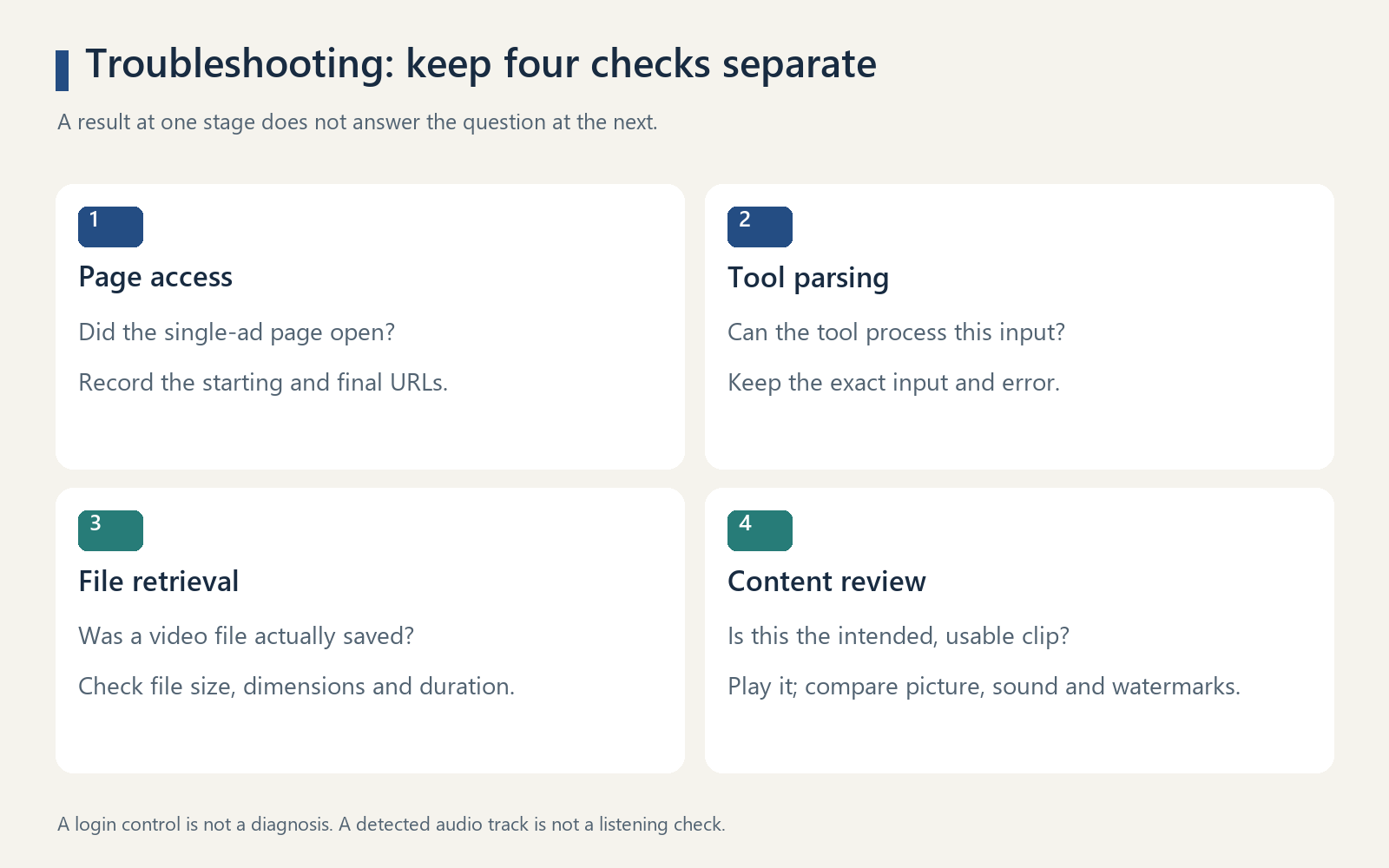
These observations answer different questions:
Check | Question it answers | Useful next action |
Page access | Did the browser reach the single-ad detail page? | Record the starting and final URLs; inspect the actual page. |
Tool parsing | Can the chosen tool process this input? | Preserve the exact input and error; check its supported input type. |
File retrieval | Was a video file saved? | Confirm the file exists and has plausible metadata. |
Content review | Is this the intended, usable clip? | Play the file, compare it with the source, and review sound and watermarks. |
A visible login control alone does not prove that signing in will fix the redirect. If you have an appropriate account, check access in your normal signed-in session and record the outcome. Do not describe a page-access issue as confirmed downloader incompatibility, or a parsing failure as proof that the ad has disappeared.
When a media URL is returned but saving fails, retain the full returned URL and the error. If the workflow can retrieve a fresh URL for the same ad, try that explicitly. Our successful files were saved shortly after their URLs were obtained; we did not test long-term URL availability.
Check the video, then build a usable ad reference
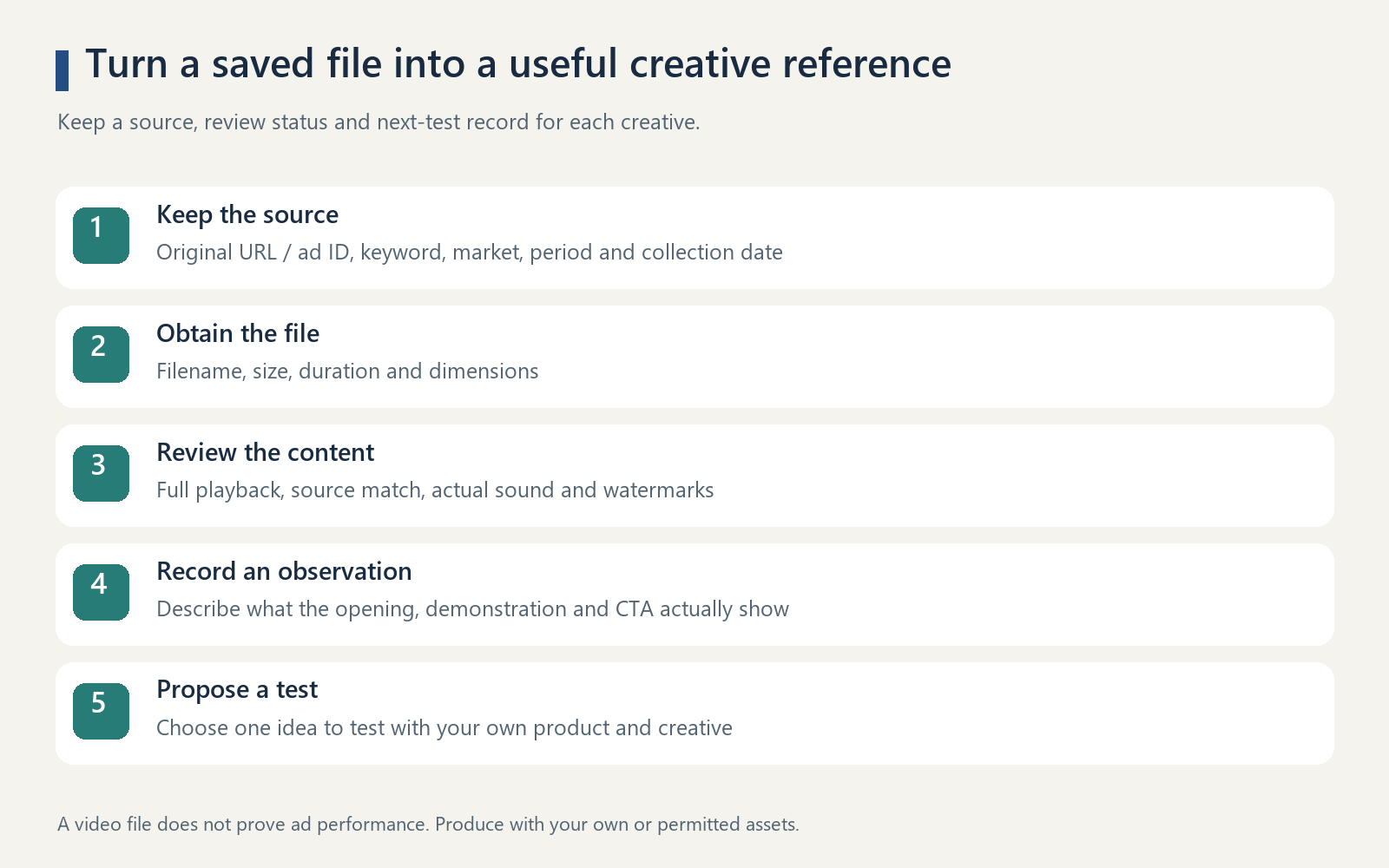
Before adding a file to your reference library, complete four checks:
- Open and play it through. Look for missing sections, a frozen picture or an abrupt ending.
- Match it to the source. Compare the product, opening scene, visible text and duration where available.
- Listen and inspect. Check the actual audio and any platform or brand watermarks. A detected audio track is not an audio-content review.
- Keep the source record. Store the original URL or ad ID, search conditions, collection date and review status beside the file.
Use a small reference ledger rather than a folder of unexplained filenames:
Field | What to record |
Source | Original post or detail URL; ad ID if available |
Discovery context | Keyword, market, period and collection date |
Local asset | Filename, file size, duration and dimensions |
Review status | Playback, source match, sound and watermark checks |
Creative observation | What actually happens in the opening, demonstration and closing CTA |
Next test | One idea to test using your own product and creative |
For example, record “product appears before the opening line” only after watching the clip. Then propose testing earlier product visibility in your own creative. Keep that observation separate from a claim that the ad converted well; a saved video cannot establish performance.
Our TikTok competitor ad analysis guide helps structure that review. Once you have a supported observation and a test idea, use the TikTok ad creative brief template to turn them into production instructions. The download test itself did not validate automated video analysis.
Frequently asked questions
Can I download TikTok ads directly from a Creative Center URL?
It depends on the URL and workflow. Direct parsing failed for the detail URL in our Navos test. A separate keyword-search path returned a media URL and a file. That result does not prove that the same tool accepts every Creative Center detail link.
Is a TikTok ads downloader the same as an ad-free TikTok downloader?
No. “TikTok ads downloader” usually refers to saving advertising creatives. “Ad-free downloader” describes a downloading experience without advertising interruptions. The phrases can point to different tasks and input types.
Can Navos download every TikTok ad without a watermark?
This test does not support that claim. It produced two files through different paths; watermark status was not verified. It also did not establish universal availability, 4K output or a success rate across ads.
Does saving the file mean I can reuse it in my campaign?
Do not treat a successful download as permission to reuse someone else's creative, likeness or music. Use your own or appropriately permitted assets for production, and keep reference observations separate from assets cleared for publication.
What should I do after a failed download?
Keep the original input, the observed error and the result. Decide whether you still need that exact ad or whether a different reference would serve your research. If you change the objective or input, start a separate record so the result stays traceable.
Start with one reference and one clear outcome: get Navos and try the matching download workflow. Save the source, verify the file, and carry the useful observation into your next creative brief.
Evidence note: Original Navos test records dated October 26, 2026; TikTok's “How to use the Top Ads Dashboard” and “About Creative Center” help pages checked the same day. The test covers individual samples, not all TikTok ads or account environments.