Download TikTok Videos Without Watermark: iPhone, Android, PC and Mac
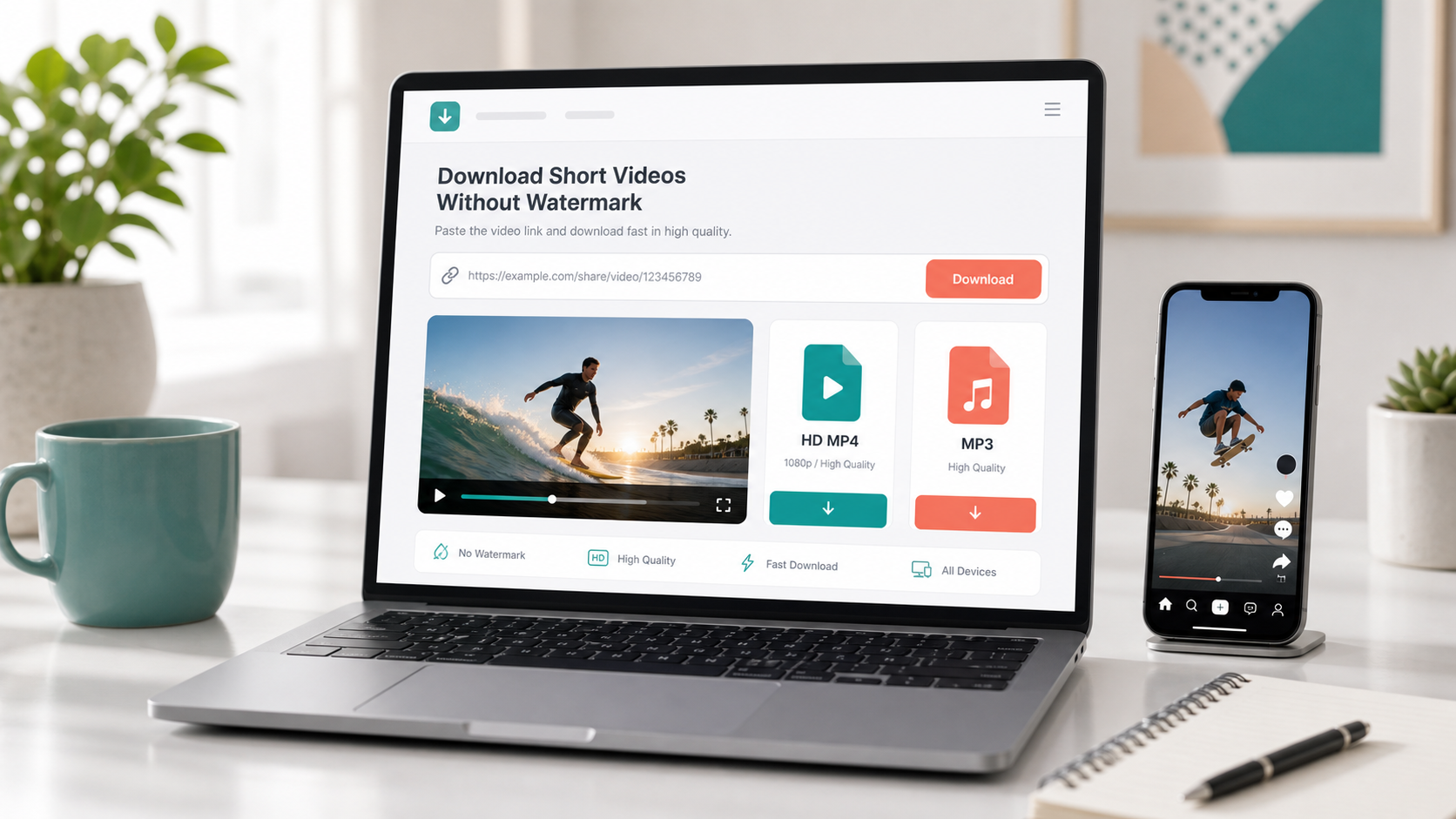
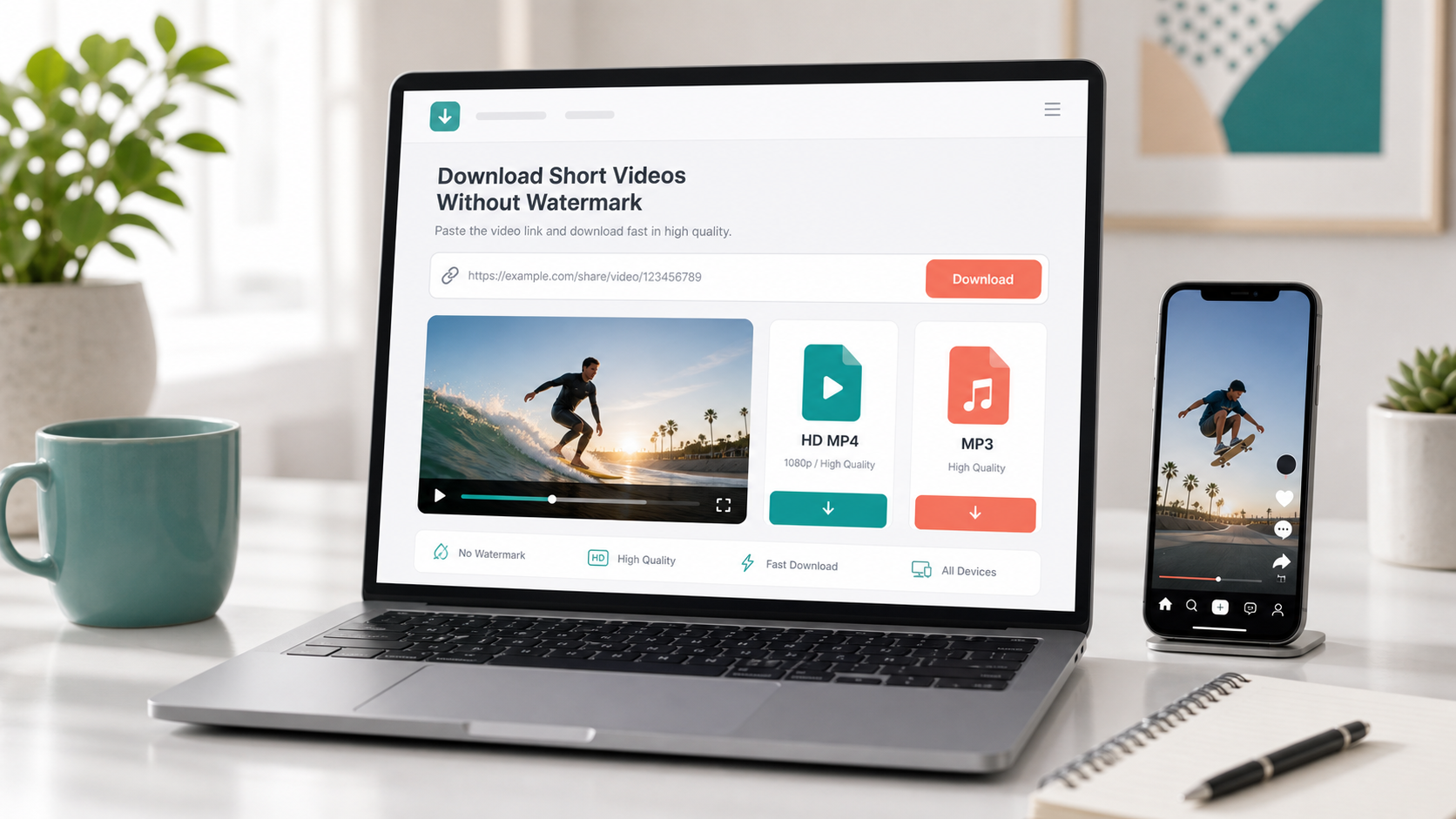
Copy the TikTok video link, paste it into a browser-based downloader, then save the result as an HD MP4. With Navos AI TikTok Video Downloader, you can download TikTok videos without watermark and extract MP3 audio from the same link.
Last updated: June 3, 2026.
The fastest way to download a TikTok video without watermark
- Open TikTok and find the video you want to save.
- Tap Share.
- Tap Copy link.
- Paste the TikTok link.
- Choose HD MP4 for video or MP3 for audio.
- Save the file to your phone or computer.
This is the shortest path when you already have a TikTok link. No app install, no browser extension, no account setup.
Why download TikTok videos without watermark?
A clean MP4 is easier to reuse, organize and review. The watermark-free version is especially useful when you are saving your own videos, building a content swipe file, reviewing creator examples or collecting references for short-form video ideas.
Common use cases:
- Save your own TikTok videos before posting them on other short-form platforms.
- Review competitor hooks, captions, cuts and call-to-action patterns.
- Build a private creative library by product, topic, creator or campaign.
- Save videos for offline viewing on a phone, tablet or laptop.
- Extract TikTok audio as MP3 when the sound matters more than the visuals.
How to download TikTok videos on iPhone
On iPhone, Safari or Chrome is enough.
- Open the TikTok video.
- Tap Share.
- Tap Copy link.
- Open the TikTok downloader in your browser.
- Paste the link and download the HD MP4.
- Check Files or Photos if you cannot find the saved video right away.
Safari may save the file to the Files app first. If the video does not appear in Photos, check your browser download folder.
How to download TikTok videos on Android
Android users can usually download directly from Chrome.
- Copy the TikTok video link.
- Open Chrome.
- Paste the link.
- Download the MP4.
- Look for the file in Downloads.
If you plan to edit or archive the video, rename the file immediately. A simple format like creator-topic-date.mp4 makes your library much easier to search later.
How to download TikTok videos on PC or Mac
Desktop is better when you are doing content research or organizing a large creative library.
- Open tiktok.com in your browser.
- Copy the link to the video.
- Paste it into the TikTok downloader.
- Choose HD MP4.
- Save the file into your project folder.
For teams, use folders like:
- TikTok Trends
- Competitor Examples
- Creator UGC
- Product Reviews
- Hooks and Scripts
- Winning Short Videos
The downloader helps you get the file. A clear folder system helps you use it again.
MP4 or MP3: which format should you choose?
Choose this | When to use it | Best for |
HD MP4 | You need the full video | Visual review, editing, offline viewing, swipe files |
MP3 | You only need the sound | Voiceover analysis, music references, hook breakdowns |
Both | The video is worth studying | Creative research, ad analysis, script writing |
If you are saving one video for later, MP4 is usually enough. If you are studying short-form performance, download both MP4 and MP3 so you can review the visuals and the sound separately.
What to do if a TikTok download fails
Try these checks before switching tools:
- Copy the link again.
- Open the link in a browser to make sure it loads.
- Try another browser.
- Refresh the downloader page and paste the link again.
- Switch networks if the request keeps failing.
- Test a different public TikTok video.
If other TikTok links work but one specific link does not, the issue is usually that video or its current availability, not the downloader.
Why use Navos AI for TikTok downloads?
Navos AI TikTok Video Downloader is built for a simple workflow: paste a link, choose MP4 or MP3, and save the file. It works in a browser, so you can use it on iPhone, Android, PC and Mac without installing a separate app.
It is especially useful if you want:
- TikTok video download without watermark.
- HD MP4 export.
- TikTok MP3 audio extraction.
- A clean browser workflow.
- One link that works across devices.
FAQ
Can I download a TikTok video without watermark online?
Yes. Copy the TikTok video link and paste it into Navos AI TikTok Video Downloader. When the link is processed, choose HD MP4 to save the video without watermark.
Do I need to install an app?
No. You can use a browser on iPhone, Android, PC or Mac. That makes it easier to save the file directly where you want it.
Can I download TikTok audio as MP3?
Yes. If you only need the sound, paste the same TikTok link and choose MP3. This is useful for saving background music, voiceovers, hooks and sound references.
Where does the downloaded TikTok video go?
On iPhone, check Files or Photos. On Android, check Downloads. On desktop, check your browser download folder unless you choose a custom location.
Download a TikTok video now
Open Navos AI TikTok Video Downloader, paste your TikTok link, and save the video as HD MP4 or MP3.