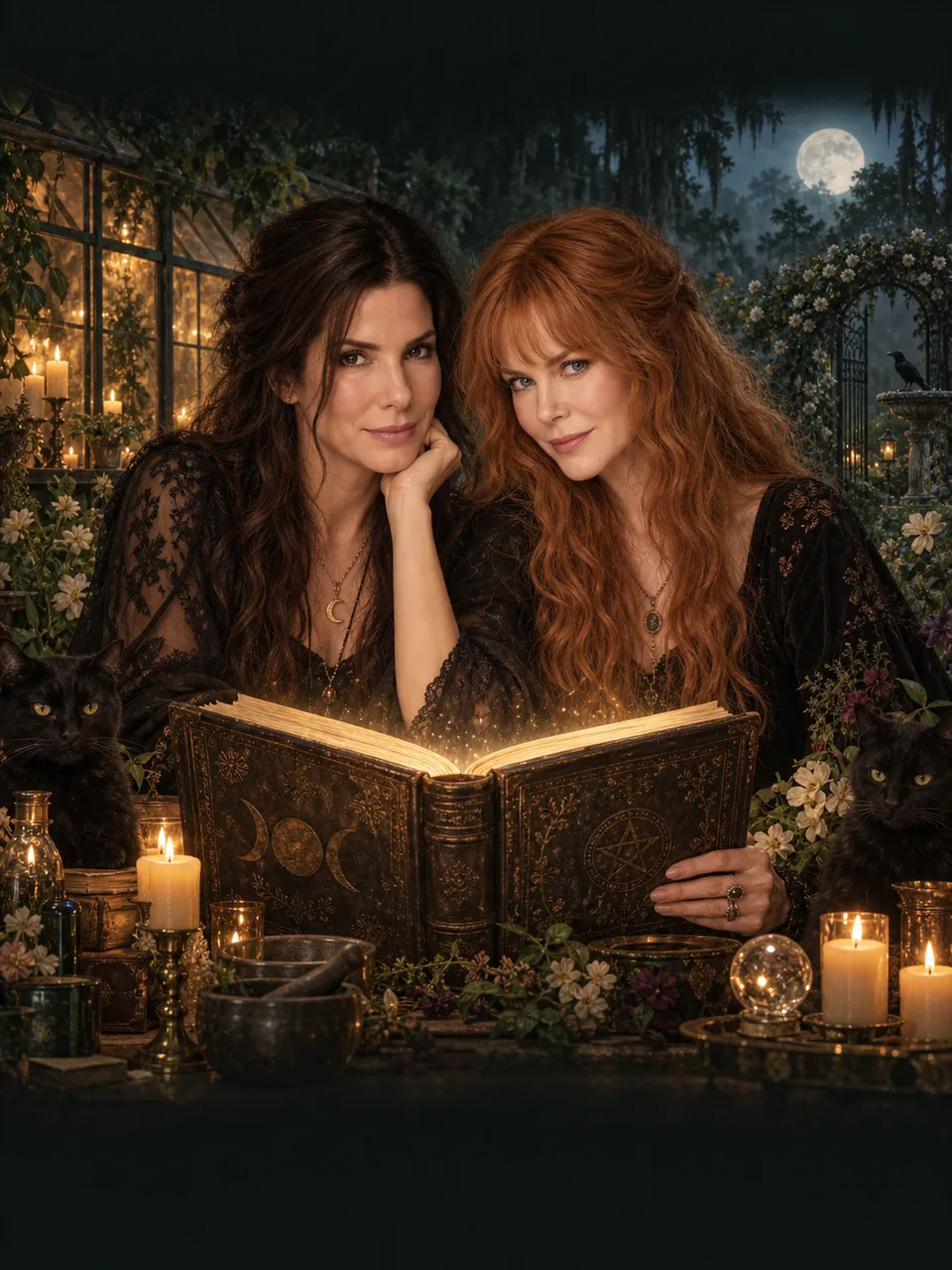
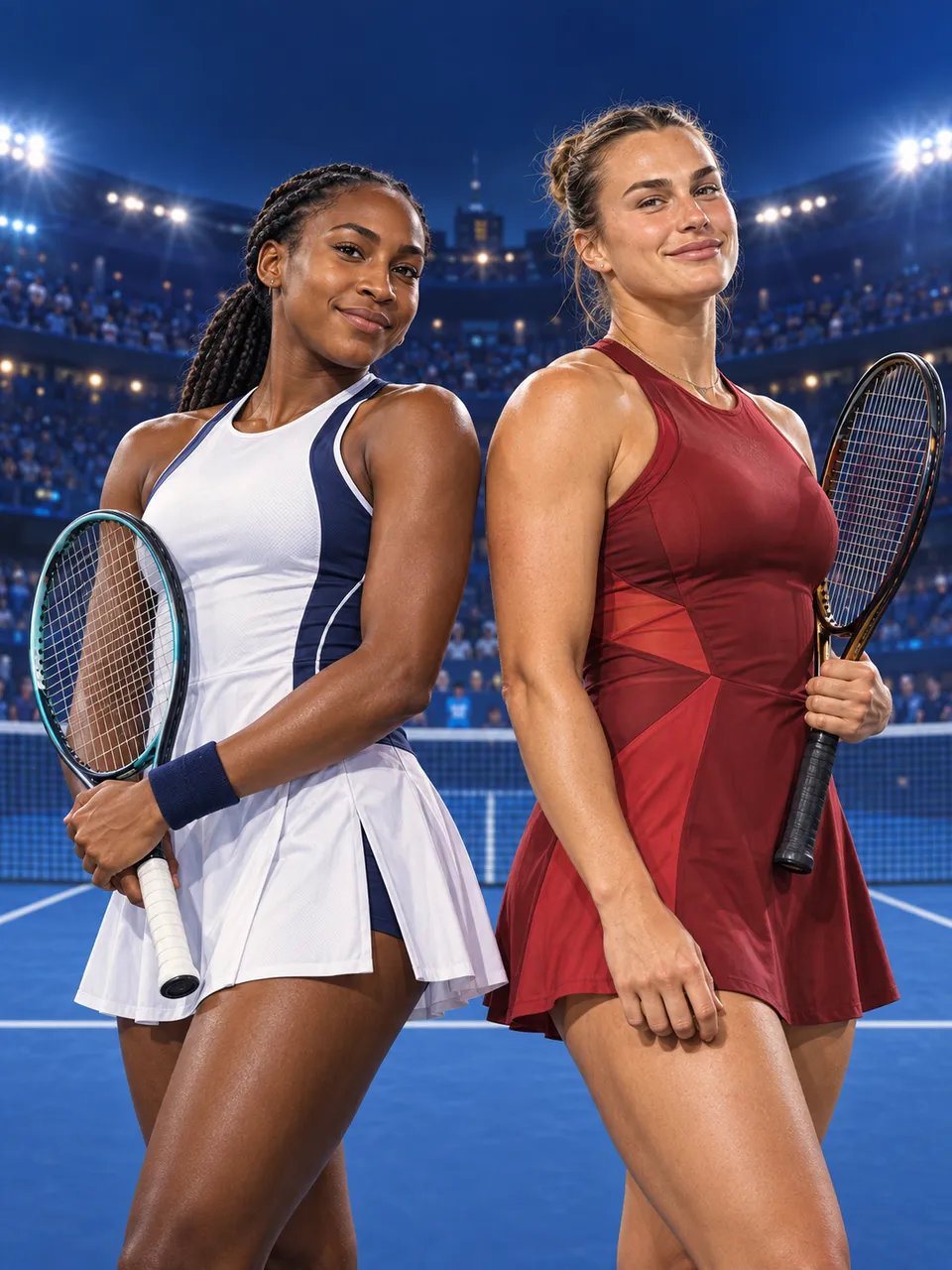
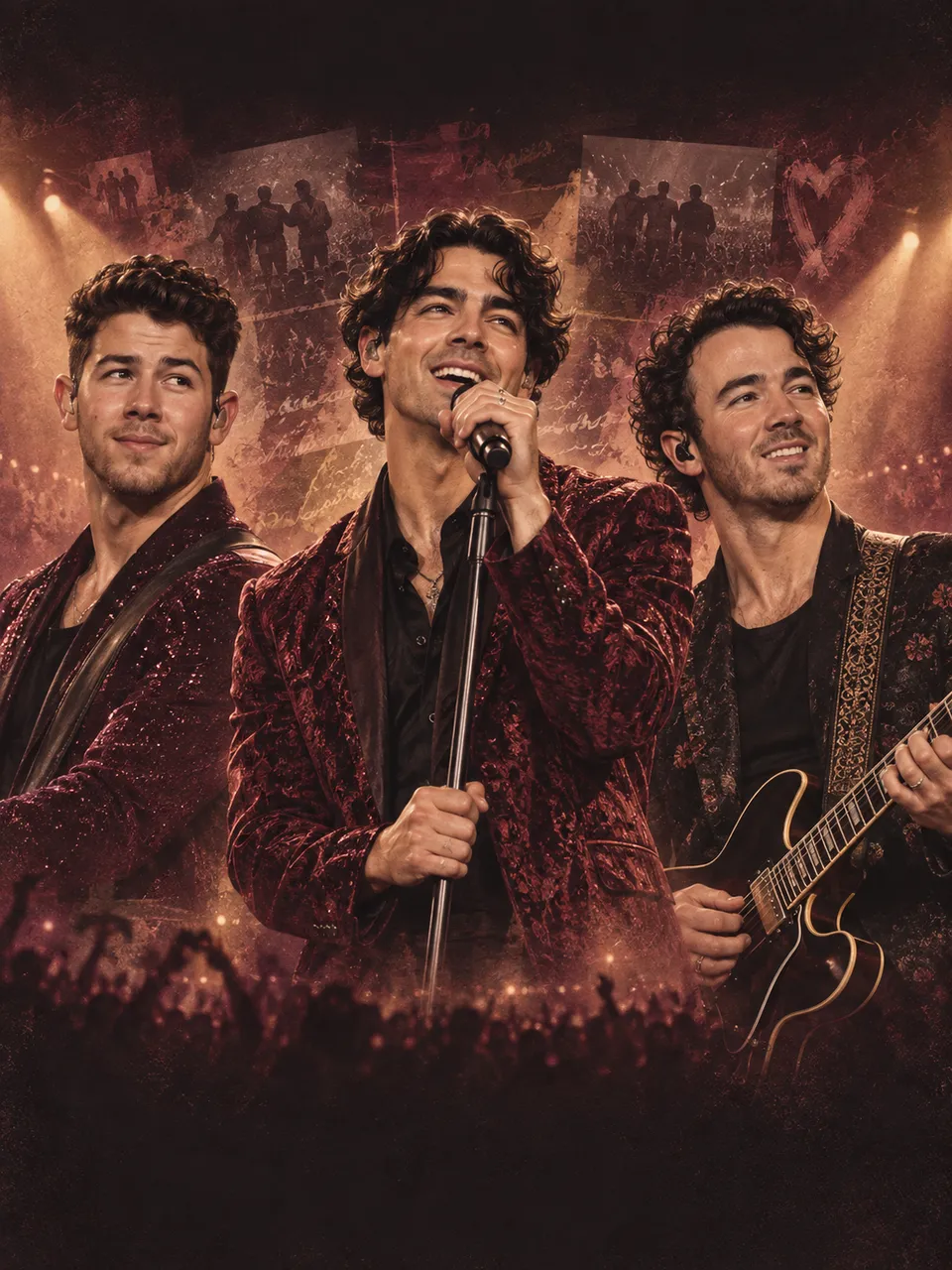
Rams vs 49ers fan poster
Use Game-day spotlight for a watch-party post featuring you. Try blue and gold for a Rams fan design or red and gold for a 49ers fan design, then add your own headline and jersey number.
 Navos Creative Studio
Make a personal Rams or 49ers fan poster for your NFL watch party. Add your own photo, name, number and colors, or prepare an NFL Australia game keepsake to create in Navos.
Make it yoursLocal photos stay in this browser. Your draft can be restored for 30 minutes, including after sign-in.
Give your group chat a personal game-day image: a host portrait, a football player card or a Melbourne-themed keepsake. Choose your colors and write the headline you want on the artwork.
Use Game-day spotlight for a watch-party post featuring you. Try blue and gold for a Rams fan design or red and gold for a 49ers fan design, then add your own headline and jersey number.
Make a personal memento of your NFL Melbourne watch party. Add Melbourne to your headline, use a stadium-light backdrop and choose a square feed post or a vertical Story.
01 — 02 — 03
Choose a ready-to-go style. Add a reference photo or leave it for Navos.
Add your details and sign in with your Navos account. Your choices stay with you.
Open Navos with your creative brief. Attach local photos there, or use the image links in your brief.
NAVOS AI AGENT
Choose a style and personalize your creative brief on this page. Sign in with your Navos account, then open the Navos desktop app to generate. You can add a public image link here or attach your local reference photo in Navos.
Yes. Choose a fan-poster idea, add your photo and specify your preferred colors. Blue and gold or red and gold are starting points; you can edit them. The design features you and uses original artwork without supplying official team logos.
Yes. Select the Melbourne keepsake idea, write your watch-party headline and choose Square or Story. Navos receives the creative brief after you sign in and continue. This is a personal poster tool, with no live scores, schedules or streaming service.
For this version, the page prepares your style, reference choices and creative brief. Actual image and video generation takes place in the Navos desktop app. Local photos must be attached there; public image links are included in the brief.